#HumpDayHacks – Page Inspection Tool

I decided it’s time to start sharing some #HumpDayHacks 🐫 to help get you through working with Business Central.

First up, some Microsoft Dynamics 365 Business Central hacks when working with the Page Inspection tool. You can open it with Ctrl + Alt + F1, or by clicking ❓ Help > Help & Support (at the bottom) >Under Troubleshooting click Inspect Pages and data.

The Page Inspection tool is a cornucopia of information. What objects are you interacting with (be it a page, report, query, XMLPort, etc). You can see the underlying table, and even click “View Table” 🔍 to see the data in the table. More information right at your fingertips are the extensions you are interacting with, the underlying fields and datatypes

Now pay attention: 🤓 If you click on a field, if the field is on the page, it will locate it for you, and take you to it. Much faster than opening VSCode and trying to determine where a field is located on a page.

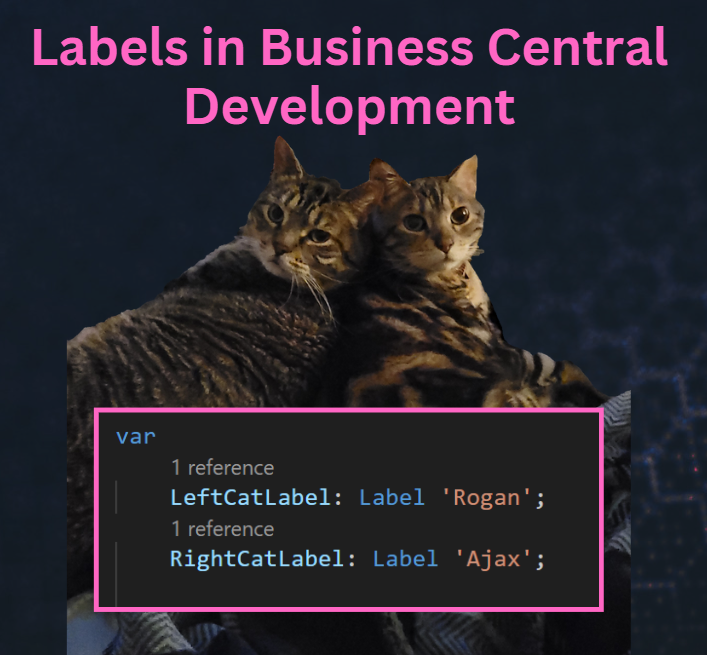
Labels in Business Central Development

Labels in Business Central Development

Labels are string constants that can be translated into multiple languages. They can be used for things like captions, descriptions, questions, error messages, or other text constants. Labels have a specific syntax, which includes a text constant, followed by three optional parameters.

ParameterTypeDescription
CommentTextUsed for general comments about the label, specifically giving details about the placeholders in the label.
LockedBooleanWhen Locked is set to true, the label shouldn’t be translated. The default value is false.
MaxLengthIntegerDetermines how much of the label is used. If no maximum length is specified, the string can be any length.
Read More »

Working with the Date table in Business Central

If you are working with reports that need to display dates in chronological order, you might be tempted to create a separate table just for that purpose. For example you might want to show the actual and planned production output for each day, week, month, quarter, year, etc. However, creating and maintaining such a table can be tedious and time-consuming. Fortunately, there is a better way to handle dates in Business Central.

Read More »
Get Started Developing for BC: Docker Containers

Get Started Developing for BC: Docker Containers

Docker is a platform for developing, shipping and running applications inside of containers. A container is a lightweight, portable and self-sufficient environment that isolates applications to ensure that they run consistently throughout the development lifecycle. Docker containers are used by a wide variety of software developers because they can isolate their development environment from the host system, which prevents conflicts with other software or system configurations. What this means is we can work in an environment tailored specifically to Business Central Development that we know will be consistent.

Read More »

Get Started Developing for BC: Installs!

My goal with this blog is to fill some of the gaps on documentation within the Business Central community. If you are new to developing in AL, I am glad you are here! Maybe you are a seasoned NAV or BC developer who needs a refresher on how to setup your workstation. In that case, I am happy to help! Overall, this will be a guide of some of the “essentials” for developing in AL for Business Central.

Read More »