When working with RDLC report layouts, there are many different properties available to aide in customization. This blog post will focus on CanGrow and how we can use it to expand to display all of its contents, or restrict its size.
Read More »
When working with RDLC report layouts, there are many different properties available to aide in customization. This blog post will focus on CanGrow and how we can use it to expand to display all of its contents, or restrict its size.
Read More »
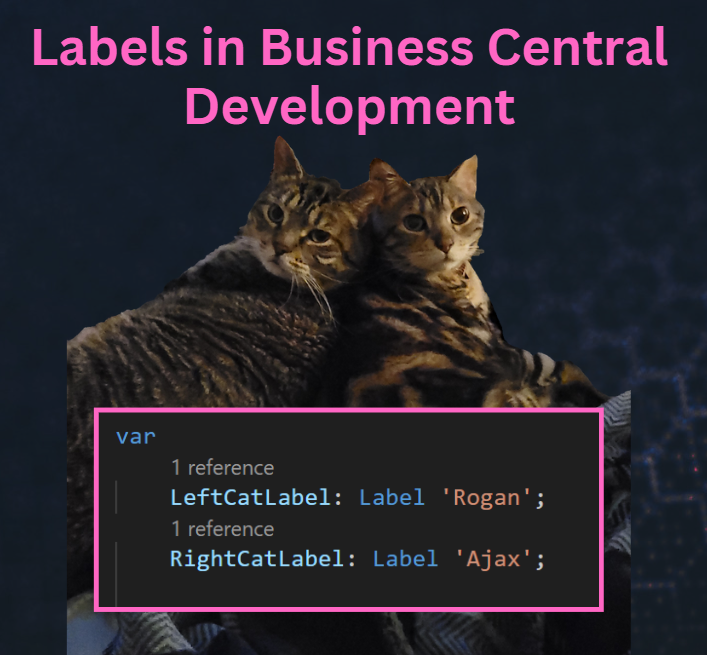
Labels are string constants that can be translated into multiple languages. They can be used for things like captions, descriptions, questions, error messages, or other text constants. Labels have a specific syntax, which includes a text constant, followed by three optional parameters.
| Parameter | Type | Description |
| Comment | Text | Used for general comments about the label, specifically giving details about the placeholders in the label. |
| Locked | Boolean | When Locked is set to true, the label shouldn’t be translated. The default value is false. |
| MaxLength | Integer | Determines how much of the label is used. If no maximum length is specified, the string can be any length. |
If you are working with reports that need to display dates in chronological order, you might be tempted to create a separate table just for that purpose. For example you might want to show the actual and planned production output for each day, week, month, quarter, year, etc. However, creating and maintaining such a table can be tedious and time-consuming. Fortunately, there is a better way to handle dates in Business Central.
Read More »
I recently had the pleasure of sitting down with Mary Myers, MVP and Chief Maximizer at WorldMax to start teaching her some of the basics of AL Development within VS Code. Any time you get to chat with Mary is a treat, especially when you get to share your love of developing for Business Central. Mary knows Business Central business logic, and she’s a sorceress when it comes to Power Platform integrations, but she is not an AL developer. Throughout her day to day work she’s improved her productivity by leveraging AI, so before our meeting she asked ChatGPT for some help. Mary knew enough technical lingo to formulate the following question:
Read More »
Docker is a platform for developing, shipping and running applications inside of containers. A container is a lightweight, portable and self-sufficient environment that isolates applications to ensure that they run consistently throughout the development lifecycle. Docker containers are used by a wide variety of software developers because they can isolate their development environment from the host system, which prevents conflicts with other software or system configurations. What this means is we can work in an environment tailored specifically to Business Central Development that we know will be consistent.
Read More »
My goal with this blog is to fill some of the gaps on documentation within the Business Central community. If you are new to developing in AL, I am glad you are here! Maybe you are a seasoned NAV or BC developer who needs a refresher on how to setup your workstation. In that case, I am happy to help! Overall, this will be a guide of some of the “essentials” for developing in AL for Business Central.
Read More »