Labels in Business Central Development

Labels in Business Central Development

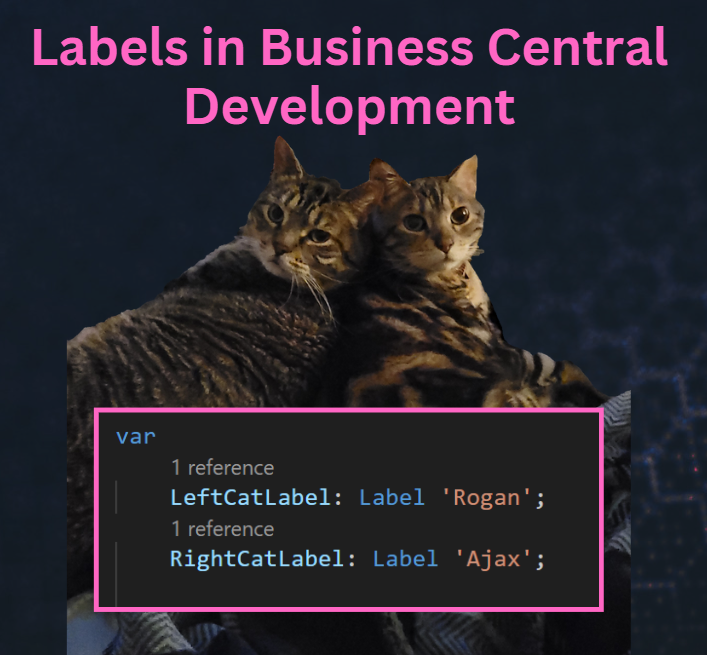
Labels are string constants that can be translated into multiple languages. They can be used for things like captions, descriptions, questions, error messages, or other text constants. Labels have a specific syntax, which includes a text constant, followed by three optional parameters.

ParameterTypeDescription
CommentTextUsed for general comments about the label, specifically giving details about the placeholders in the label.
LockedBooleanWhen Locked is set to true, the label shouldn’t be translated. The default value is false.
MaxLengthIntegerDetermines how much of the label is used. If no maximum length is specified, the string can be any length.
Read More »
BC23 Rich Text content on Reports

BC23 Rich Text content on Reports


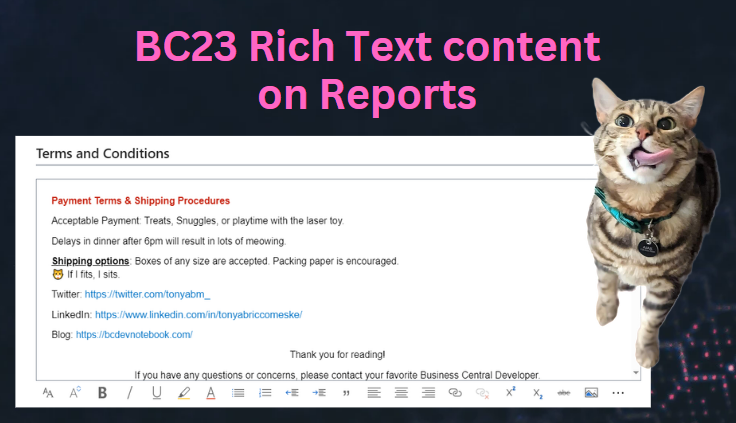
My most recent project has large footers being added to the bottom of their reports to display Terms and Conditions. This is something fairly common that is requested, and I’ve always shied away from hard-coding anything inside the report layout. If an address changes, then they have to get a developer involved to change the text vs being able to modify it themselves on a setup page. You could use a blob field to store all of the Terms and Conditions, but then you had no way to format a giant block of text, until now. ✨Business Central version 23 now has the power of leveraging the built-in rich text editor, and we can display that formatted text on our reports (with a few gotchas).

Read More »

Display Booleans on an RDLC Report

When developing for Business Central you have the option to create Word, Excel and RDL Report layouts. RDL stands for Report Definition Language, and is used by SQL Server Reporting Services (SSRS). I may be an outlier, but I find it relaxing to create custom RDL layouts. You have so much control over the rendering of your report, and I enjoy making very crisp, clean documents for my clients.

I had been working on a task that has over 120 custom fields used for a report, half of which were booleans. So how do you display those on a report?

Read More »